If you’re ready to jump right in and start your new WordPress blog, great! Let’s get started. The setup process takes about 20 minutes. If you find yourself stuck during this process, contact me here.
Select Your Domain Name
Do you already have a domain name? Skip to step 2.
What is a domain name?
A domain name is the address that you’d type into an internet browser to reach your site. For example, the domain of this website is bloggersguild.com.
Choosing a domain name for your blog should be a fun and engadging process that describes your new blog. For those looking to maximize SEO, add your niche keyword into your title (bloggersguild.com – a site about blogging).
Some people may just choose to use their name, such as mollyfisher.net. If the .com of your domain name is already taken, you can choose to change the extension (get a .blog , .me, .cc).
A good blog name will paint a picture for the visitor, as they know this is what they are looking for.
Spaces are not allowed in domain names, however you can use a hyphen, or a dash – such as bloggers-guild.com.
See if your domain name is available

After you’ve decided on a domain name, you will register it with your webhost.
What is a webhost?
A webhost (HostGator) is a company that stores your website files, and is where your domain name points to when trying to retrieve your site. This is a CRITICAL CONTROL POINT when it comes to web hosting: bad hosts can cost you a lot of money, time, and frustrations. I recommend using top tier webhosts like HostGator, & Elementor.
This WordPress blog is powered by HostGator. It was designed with Elementor
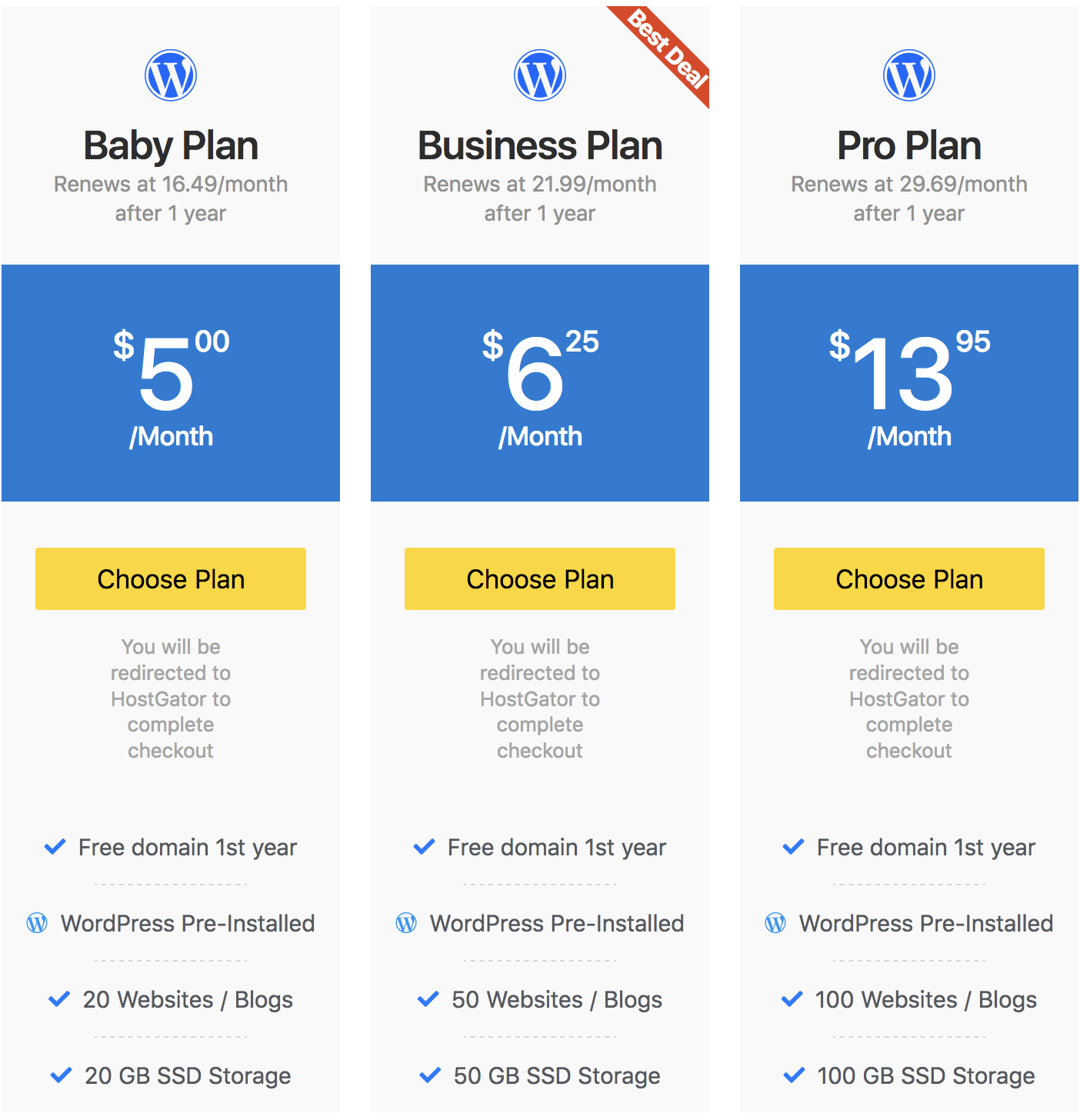
Table of Contents
This WordPress blog is built with Elementor Pro.